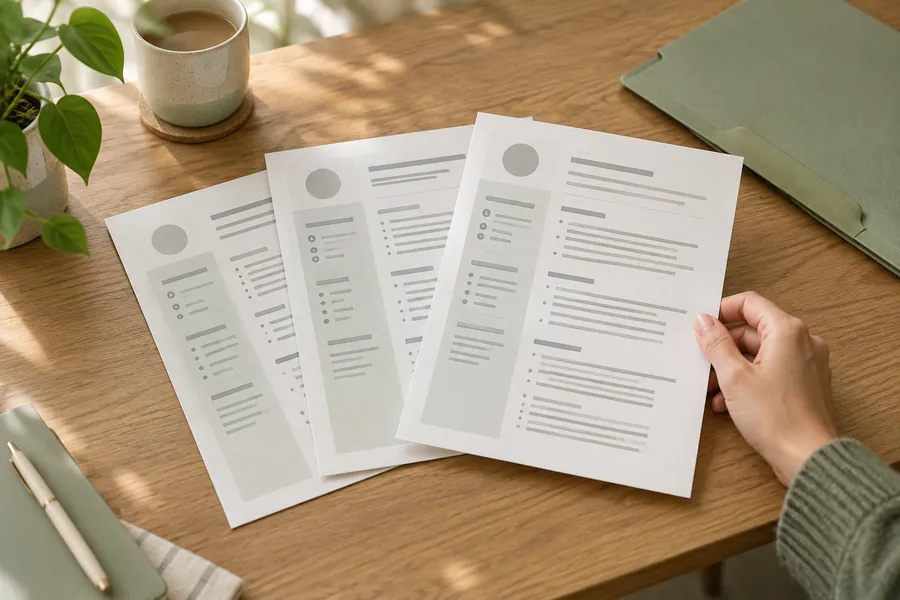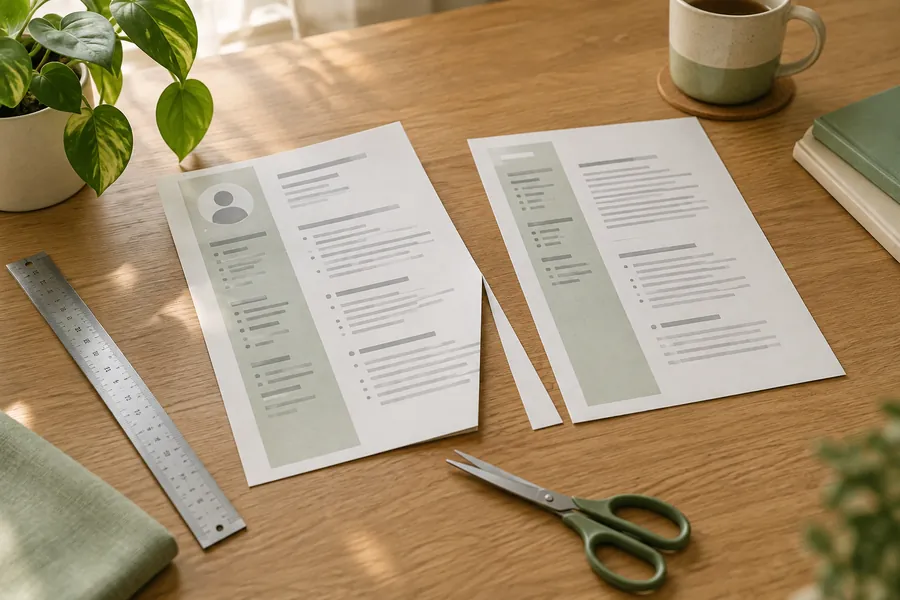
An applicant tracking system, usually shortened to ATS, is software used in recruitment workflows. Job seekers often encounter it through an online application portal. Advice about ATS compatibility can become confusing because different products, settings and hiring processes are treated as though they were one system. Focus on what you can control: following instructions, providing readable text, using accurate relevant language and checking any extracted fields. A CV that works well for software should still make sense to a person. There is no reason to replace clear writing with repeated keywords or hidden text.
Understand parsing before worrying about rejection
Resume parsing extracts information from a document into fields such as a name, employment history or qualifications. Greenhouse's own support documentation explains that an unsuccessful parse can leave the resume attached while details need manual entry. That is different from automatic rejection. It is one vendor's documented behaviour, not a promise about every system. The useful lesson is to distinguish three questions: can the file be uploaded, can its information be extracted accurately and how will the employer assess the application? A problem at one stage does not prove the answer at another.
Follow the actual upload instructions
If the employer asks for DOCX, use DOCX. If it accepts a text-based PDF, that may be appropriate. Do not follow internet advice claiming that PDFs always fail or that a single format always works. Greenhouse lists several supported document types, including PDF and DOCX, but another portal may have different requirements. File acceptance and successful parsing are also separate issues. Avoid using a screenshot or scanned image as your main CV when an ordinary text document is available. A file can look clear to you while its words are difficult for software to extract.
Choose a simple structure
Use clear headings such as Experience, Education and Skills. Keep job titles, employers, dates and related bullets together. A single-column document is a practical default when you do not know the portal's capabilities. Greenhouse identifies columns, complex tables, graphics and text boxes among possible sources of parsing problems. That does not establish that every columned CV fails. It does give a reason to avoid complexity that adds little value. Put your contact details in the main document text rather than relying exclusively on a decorative header, footer or floating box.
Keep essential information in words
An icon of a telephone is not a substitute for a clearly written phone number. A row of stars does not explain your software proficiency. A graphic timeline may require a person to interpret relationships that would be clearer in text. Use ordinary labels and consistent formatting for essential facts. Avoid placing spaces between each letter of your name or headings simply to create a visual effect. Greenhouse documents spaced lettering as a possible parsing issue. You can still use restrained visual hierarchy through headings and spacing without making the underlying words harder to recognise.
Use keywords as descriptions, not bait
Read the job advertisement and identify the capabilities the employer needs. Use its terminology where it accurately describes your experience. A fictional applicant who prepared stock reports could write "Inventory reporting: updated weekly stock records and flagged missing entries." That connects a useful term to evidence. Repeating "inventory" in unrelated places does not add evidence. Do not paste the advertisement into the document, use hidden white text or claim software knowledge you lack. These tricks make the application less trustworthy and do not establish compatibility with the employer's actual process.
Expand unfamiliar abbreviations
Use recognisable job titles and clear terms where possible. If an abbreviation is important in your field, consider giving the full term on first use, followed by the abbreviation. Do not change an official title into a different job, but add a brief explanation if it would otherwise be confusing. A fictional internal title such as "Service Partner II" could be followed by "customer account support" if that accurately describes the role. The same clarity helps a recruiter who does not know your former employer's terminology. Software compatibility and human readability often benefit from the same small edit.
Test the document before uploading
Open the final file and inspect it visually. Then try selecting and copying its text into a plain-text editor. Check whether headings, roles and dates appear in a sensible order and whether important content is missing. This is a basic diagnostic, not a simulation of every ATS. A successful copy-and-paste test cannot guarantee parsing or selection. If the text comes out in a confusing order, simplify the layout and export again. Also check the file size against the portal's limits rather than assuming that a visually small document is technically small.
Review fields after the upload
If the application portal fills in information from your CV, read those fields before submitting. Check your name, contact details, employers, dates and qualification names. Correct partial or misplaced entries where the form allows it. Do not assume an upload confirmation means every field is right. If the portal asks you to enter details manually, follow that process. Keep the CV and form consistent while answering the form's questions fully. An application form may ask for a more complete history than the selected detail in your CV, and those are different tasks.
Ignore unsupported guarantees
Be cautious about fixed "ATS pass scores," claims that a particular percentage of CVs is automatically rejected or promises that a template guarantees interviews. Without evidence about the employer's system and settings, these claims are not a sound basis for your application. Use checks with a clear purpose instead: readable text, relevant evidence, accurate fields and compliance with instructions. Save the final document and any submission confirmation. An ATS-friendly CV is best understood as a clear, technically sensible application file, not a magic document designed to defeat recruitment software.
Sources and scope
Original general guidance informed by careers resources. Reviewed 10 October 2026. Employer instructions and local expectations take priority. No interview, hiring or ATS result is guaranteed.
Put it into practice.
Write a first draft in your own words, then review it carefully.
Start your CV ↗